Update your screensaver
Your screensaver is your first impression—make sure it reflects your brand with high-quality photos, videos, or a custom layout.

Enhance your landing page
Landing pages can be enhanced with a background color, patterns, or video, and we offer a dark mode option if it fits your branding.

Organize your sections
Ensure sections match your leasing process or self-service needs for better user experience.

Check your Apply links
Verify that renters are directed to the correct application portal with pre-filled move-in details (if Revenue Management is integrated).

Keep content fresh
Regularly update Amenities, Gallery, and Local Points of Interest to stay relevant.
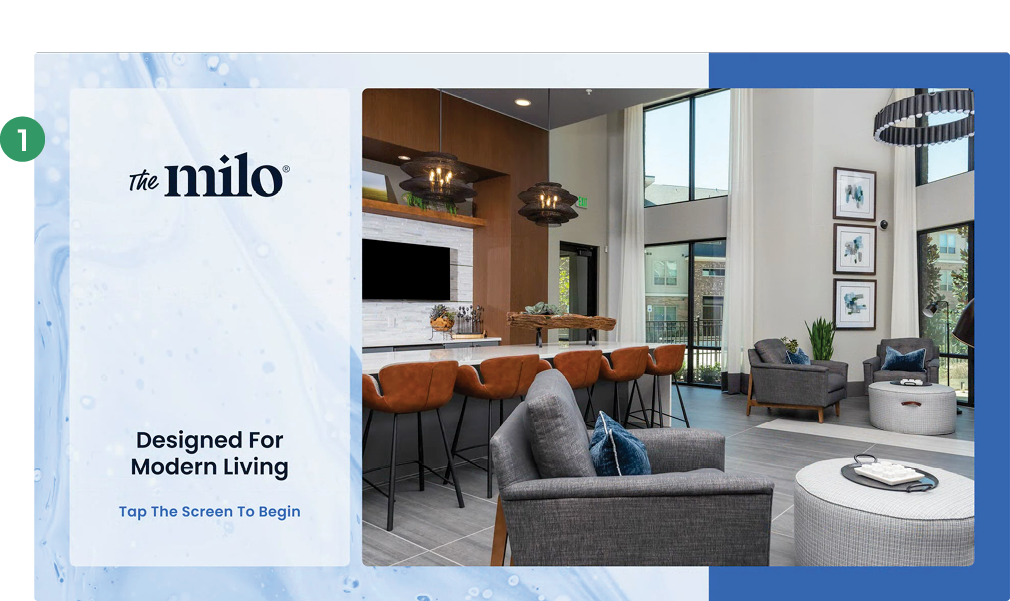
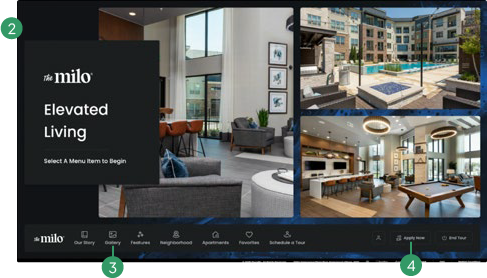
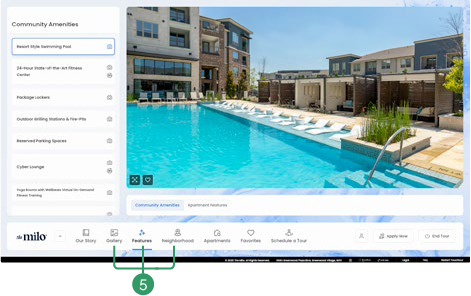
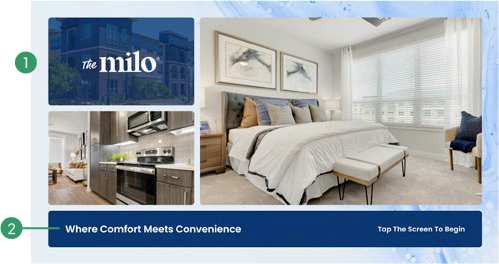
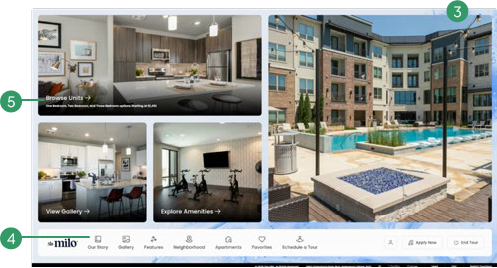
Your screensaver can feature your logo, photos, or videos. We offer different layout options and can update photos anytime.
Custom fonts can be used—just provide the .OTF or .TTF font file.
Landing pages can be enhanced with a background color, pattern, or video.
The icons above each section are optional—let us know your preference.
Choose between Navigation Cards (turns images into clickable section buttons) or bottom navigation with a logo and engagement prompts.

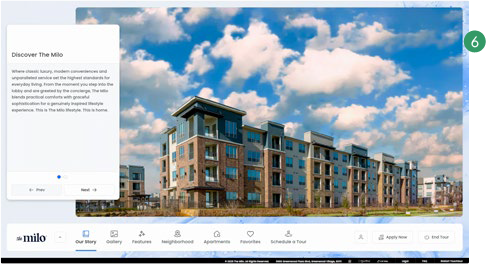
The optional “Our Story” section can highlight reputation, testimonials, team bios, and unique architectural features.

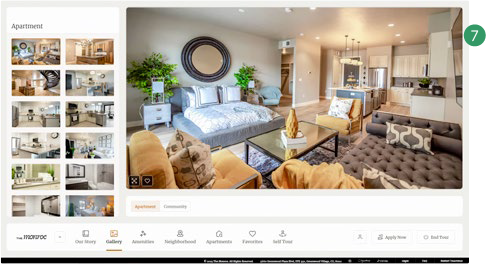
Amenities and Gallery should be updated with new photos, videos, and virtual content—specify where each should be used.

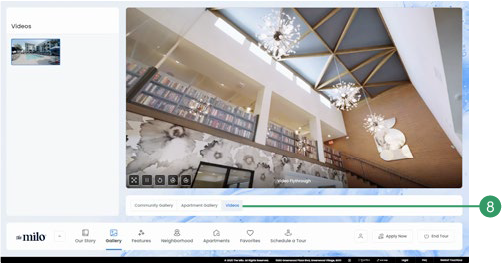
The Gallery can include a dedicated section for video content.
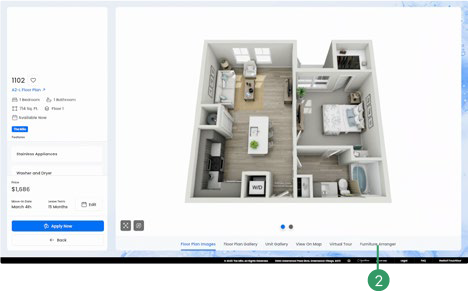
360 virtual tours can be added to Amenities, Floor Plans, and Unit Details pages.
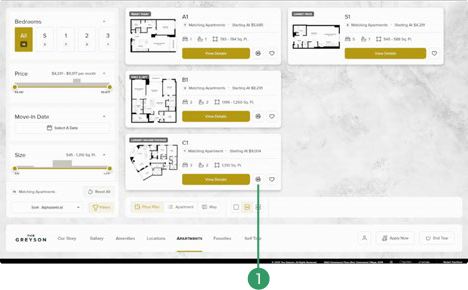
2D vs. 3D floor plans: Specify the default view and leverage.
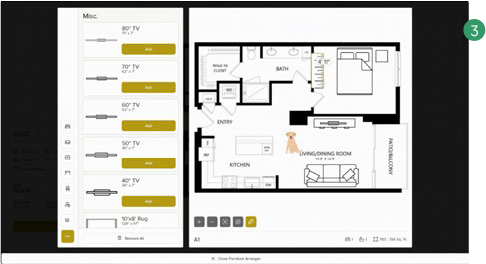
The Furniture Arranger can be utilized for 2D floor plans with no scaled furniture drawn in.
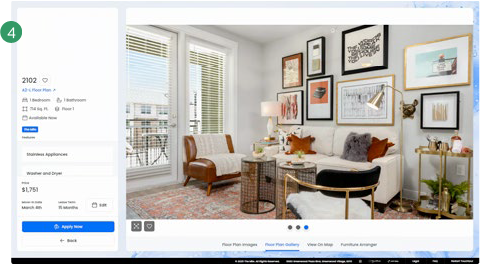
Floor plan galleries: Enhance Floor Plan and Unit Detail pages with high-quality images.
Unit Details pages can include images of unit views for a more immersive experience.
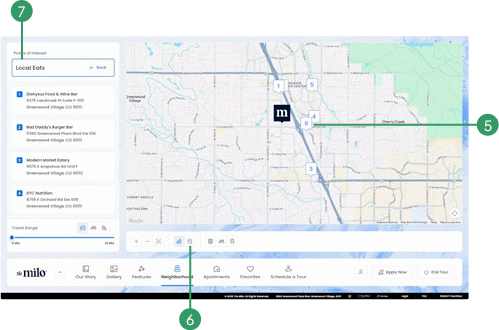
Keep Local Points of Interest updated andaligned with your community’s demographic.
Sections can be named and grouped to better reflect lifestyle options.
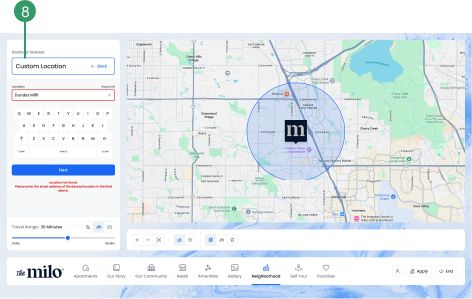
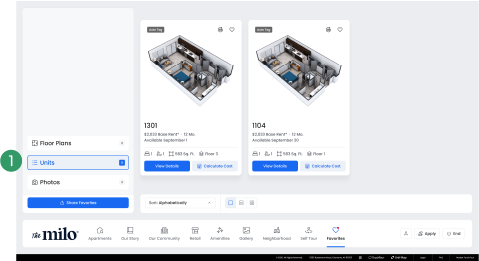
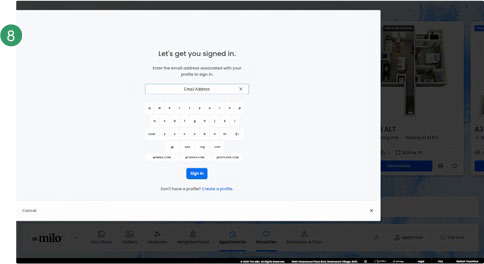
Save and send prospects’ select photos, floor plans, and units through Favorites to personalize their experience and ensure they have everything they need when they’re ready to apply.
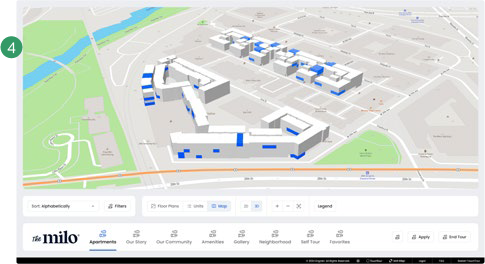
3D Marketing Maps: The best experience for interactive maps—purchase through Engrain or provide a stylized map.
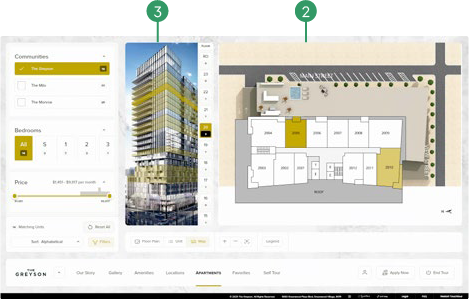
Floor Picker: Essential for mid- to high-rise buildings, allowing users to navigate floor by floor.
Street View Map Display: TouchTour can display your community’s interactive map in street views.
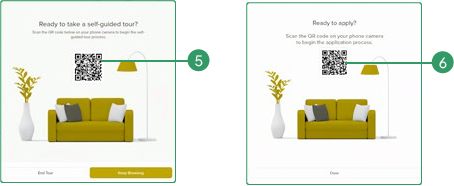
Add a Schedule a Tour button and a QR code to direct prospects to your self-touring provider’s link.
Apply Now: Ensure your Apply links direct renters to the correct unit’s application.
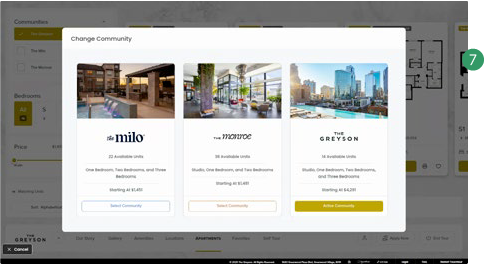
Sister Properties? TouchTour can compare multiple properties in a shared experience—perfect for centralized leasing. Contact us to learn more.
CRM Integration: Provide CRM credentials to enable guest card data (first name, last name, email, phone number) to push directly into:
-
Funnel, KnockCRM, Entrata, Spherrex iLoveLeasing, RealPage, RentDynamics, Yardi Voyager/RentCafe.